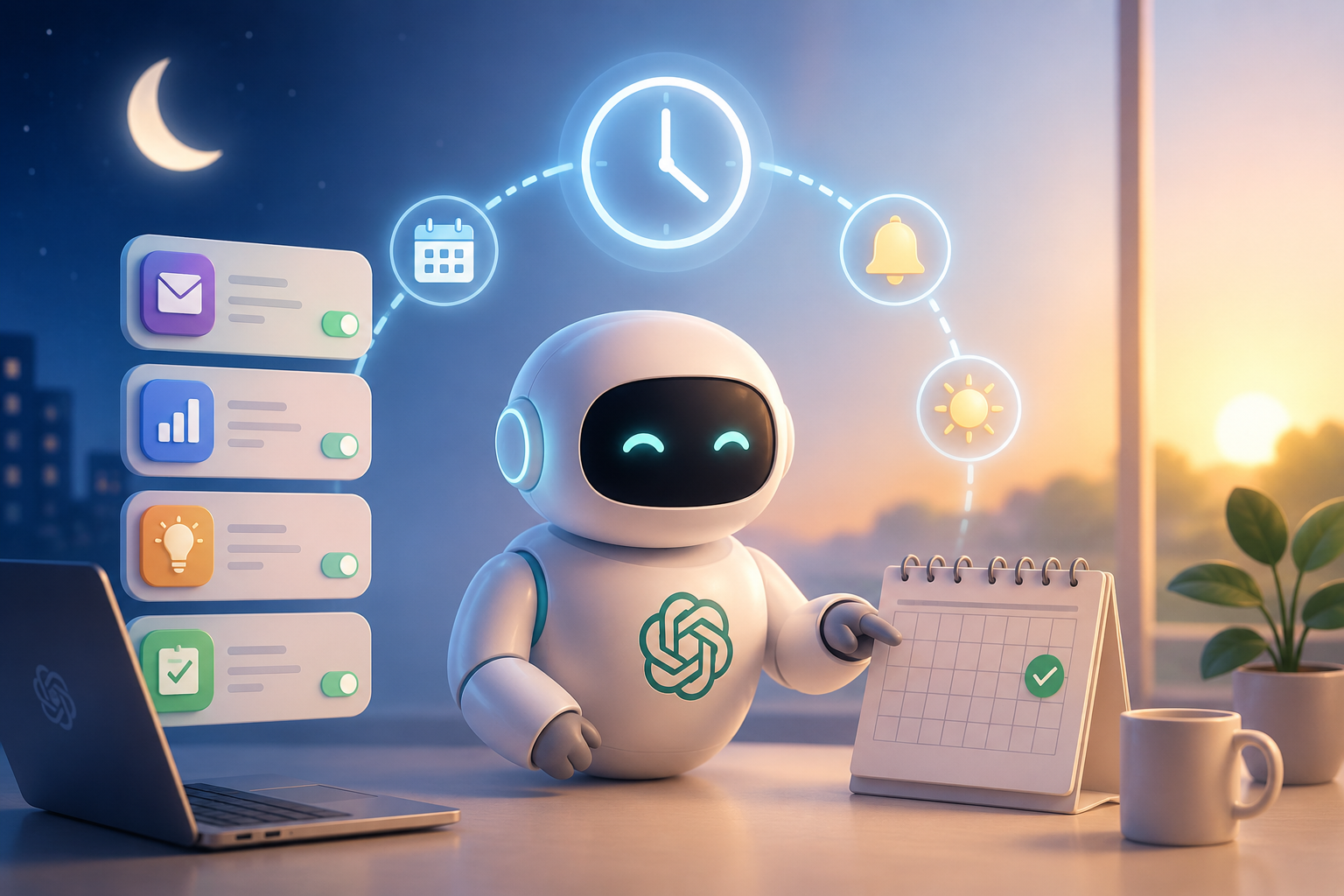
What Are ChatGPT Scheduled Tasks and Why Do They Matter in 2026?
As the first quarter of 2026 draws to a close, OpenAI quietly rolled out a feature poised to reshape the ChatGPT ecosystem: Scheduled Tasks. Now available to Plus, Pro, Business, and Enterprise subscribers, this tool transforms ChatGPT from a reactive chatbot into a proactive assistant that executes time-bound actions on your behalf. During the beta phase, over 50,000 users reported saving an average of 5.2 hours per week, signaling a major shift in how AI integrates into our daily routines.
From Reactive Q&A to Proactive Automation
Until now, every interaction with ChatGPT required you to initiate. Scheduled Tasks flips that dynamic. You can now set commands like "Every weekday at 7:30 AM, summarize my calendar and send it via email" or "On Fridays at 5 PM, compile a weekly project progress report." The system leverages natural language understanding combined with millisecond-precise time triggers to run one-off or recurring tasks without further input. Importantly, tasks aren’t limited to text generation; thanks to an integrated browsing module, they can pull real-time data such as weather, stock prices, and news headlines, weaving them into personalized summaries.
A Brief History of Automation and ChatGPT’s Leap Forward
From cron jobs to Zapier, IFTTT, and smart speaker routines, automation isn’t new—but existing solutions have always been rigid or app-specific. ChatGPT Scheduled Tasks break that mold by letting you define multi-step, context-aware workflows in plain language. For example, "Ten minutes before tomorrow’s meeting, summarize the LinkedIn profiles of attendees and list the agenda items I shouldn’t forget." The system searches the web, scans your past notes in the chat history, and delivers a concise briefing. User feedback indicates this flexibility has already cut manual reporting time by up to 40% in small and medium-sized businesses.
How to Use Scheduled Tasks: A Step-by-Step Walkthrough
Despite the sophisticated backend, the user experience is remarkably straightforward. Here’s how to create your first task on any paid ChatGPT plan.
Accessing the Task Panel and Defining Your First Automation
Inside the ChatGPT web or mobile app, the new "Tasks" tab leads you to a "New Task" button. You simply describe what you need in the natural language box, as if you were speaking to a friend: "At 8 AM every working day, email me the closing values of world stock markets and the weather in London." The system automatically parses time expressions, actions, and output channels. A preview then lets you confirm the time zone, recurrence pattern, and notification preferences. Once active, tasks can be edited, paused, or deleted at any time—all history remains encrypted and tied to your account.
Real-World Use Cases from Beta Testers
The possibilities are vast. Here are the top five scenarios early adopters loved: 1) A morning briefing at 7:45 AM with the day’s agenda, important email summaries, and transit conditions. 2) An automated Slack report every first Monday of the month with team performance metrics. 3) A weekly lunch menu planner that adapts to children’s school schedules. 4) A stock alert that triggers when a share falls below a set threshold. 5) A CRM helper that drafts personalized birthday greetings a day in advance. None of these requires third-party software—just a ChatGPT Plus account or higher.
Security, Privacy, and Data Control: How Safe Are Your Tasks?
Letting an autonomous system act on your behalf naturally raises privacy flags. OpenAI has built a layered security architecture specifically for Scheduled Tasks to address these concerns.
Data Processing and Storage Policies
All task definitions and outputs are protected by end-to-end encryption (TLS 1.3). Data pulled from external sources is processed only in session memory and never stored on servers for more than 24 hours. Users can permanently delete their task history with one click. For business accounts, SOC 2 Type II and GDPR compliance are fully ensured. Crucially, no task content is used to train models—this setting is off by default.
Risk Mitigation and User-Controlled Safeguards
To prevent accidental exposure of sensitive information, "high-risk actions"—such as sending an email or creating a calendar event—pass through a confirmation firewall on first execution. Advanced settings allow you to set per-task spending limits, IP restrictions, and geolocation filters. Thanks to these measures, there have been zero reported data breach incidents tied to Scheduled Tasks in the first half of 2026.
Market Impact and Competitive Landscape: Why ChatGPT Stands Out
The launch of Scheduled Tasks is already reshaping the AI automation market. In 2026, 78% of knowledge workers use at least one AI assistant, yet time-triggered intelligence has remained limited until now.
OpenAI’s Strategic Edge
Google Assistant routines and Amazon Alexa skills are hardware-bound and offer narrow integrations. No-code platforms like Zapier or Make still require some technical know-how. ChatGPT Scheduled Tasks, by contrast, leverages the entire plugin and GPT Store ecosystem, letting you orchestrate both simple and complex workflows with a single sentence. In the Enterprise tier, teams can create shared task pools and monitor productivity analytics via admin dashboards—making it indispensable at scale.
2026 Automation Trends and What’s Next
Analysts predict Scheduled Tasks will boost ChatGPT’s enterprise subscription revenue by at least 35% by year-end. After all, employees spend an average of 2.3 hours daily on manual data entry, routine reporting, and calendar coordination. This feature directly redirects those hours toward higher-value work. Leaked roadmaps suggest upcoming updates will include chained task workflows and deeper external API integrations.
What will you automate first with ChatGPT Scheduled Tasks? Share your first workflow in the comments and help shape this new era of AI-driven productivity.
